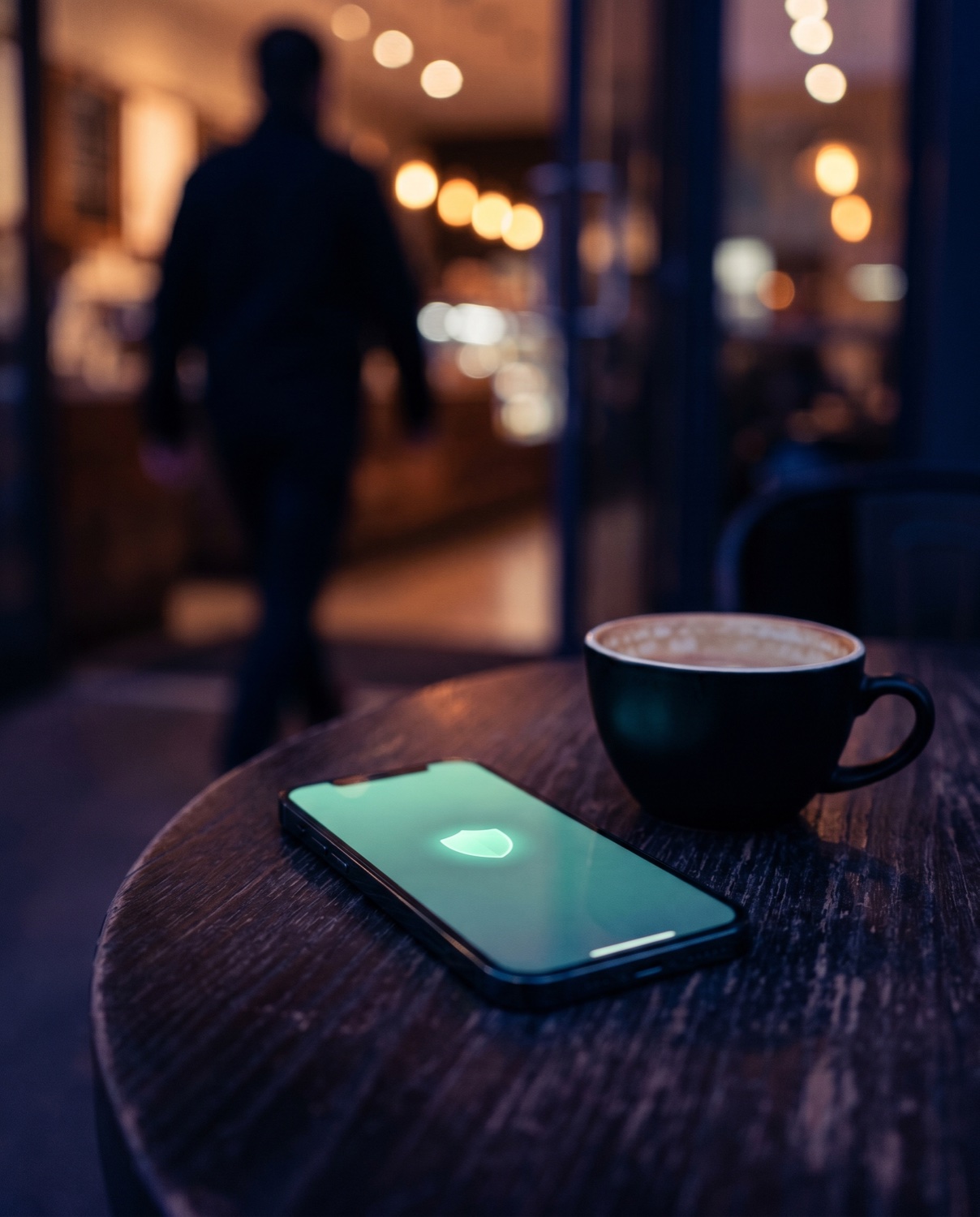
Active Guard
The moment your iPhone is picked up off the table, anyone who isn't you has 10 seconds to confirm with Face ID. Don't? The siren wakes the room up. Works like the lock screen you already use — just louder when ignored.
LOCKY turns the two Apple devices you already wear into a pair that watches each other's back. If someone takes your phone in the metro, your Watch knows in seconds. If you leave the Watch in a locker, your iPhone tells you. Plus a loud siren if anyone moves your phone off the café table while you're gone.
Banking apps
Personal messages
Work email
Family photos
2FA codes
Apple Wallet
Losing your phone in a busy café isn't just losing a device. It's losing access to half your digital life — for hours, sometimes days. LOCKY doesn't make that impossible. It makes you the first to know it's happening.
Most theft isn't dramatic. It happens in 3 seconds while you order a second coffee. LOCKY is the alarm that goes off the moment someone reaches for your iPhone — loud enough that they put it back down and walk away.
The moment your iPhone is picked up off the table, anyone who isn't you has 10 seconds to confirm with Face ID. Don't? The siren wakes the room up. Works like the lock screen you already use — just louder when ignored.
Only turns on where you allow it. Home, office, dacha — protected by default. New places — LOCKY asks first. Names places the way you do ("At Mom's"). Walks away with you, drops protection when you leave. No battery drain, no false alarms.
Lost your phone at home, in a noisy bar, or somewhere in the car? One button on your Apple Watch and the iPhone chirps, flashes the torch, and vibrates — works even on silent. For nearby misplacement, not for distance.
Five real screens from a real device — not concept art.


You disarm with Face ID or Touch ID — fast for you, useless for anyone else. A 4-digit backup PIN is stored only in iOS Keychain (never in the cloud) and is used only when biometrics fail.
Slide the lock slider on the home screen. Active Guard turns on — any pickup of your iPhone after that needs Face ID, or it screams.
The siren, vibration and torch flash kick in if your phone is moved. Disarm with Face ID, Touch ID or your backup PIN.
Most phone theft is opportunistic — three seconds, one quick grab. These are the places where it really happens.
You step away for a refill or a refill of cutlery. The phone is on the table for 30 seconds — that's all an opportunist needs.
Loud music, people moving past your table all night. Active Guard fires the moment someone lifts your iPhone, even if you don't notice.
Plastic chair, plastic table, hundreds of strangers. You go grab napkins — your phone stays armed.
Charging at the gate, dozing at the lounge sofa. Phones disappear from airports more often than people think — Active Guard keeps a constant eye.
You're in the water, your phone is on the towel. Active Guard makes sure that the second someone bends down to pick it up, the siren goes off.
Phone on the bench while you do a set, or in an unattended locker zone. Active Guard fires the moment someone tries to grab it.
iOS already has "Notify When Left Behind". It works everywhere, all the time — and burns battery on cafés, hotels and random parking lots. LOCKY does it differently: protection turns on only where you let it. Six concrete differences from Apple's built-in.
Plus a Find iPhone button: one tap on the Watch makes your iPhone chirp, flash and vibrate — perfect for finding it at home, in a noisy bar, or in your car. Works on silent. For nearby use, not for stolen-and-gone.
"Doesn't Apple already do this?" Partly. Here's where LOCKY fits between the gaps.
| LOCKY | Apple Find My | Apple "Notify When Left Behind" | |
|---|---|---|---|
| Reacts at the moment of theft | Yes — siren in 1–5 s on pickup | No — only after you notice | No — only when you walk away |
| Loud siren that scares the thief off | Yes — boosted audio + flash + vibration | Faint chime via Play Sound | No siren, just a quiet alert |
| Long-distance tracking | No — by design, this is Find My's job | Yes — Apple's global network | No |
| Quiet at home, loud everywhere else | Yes — per-place silent mode | Always behaves the same | Only "trusted locations" mute it |
| Custom-named places ("at Mom's") | Yes — your names in every alert | No | Address only |
| Asks permission in new places | Yes — auto-active only where you allowed | N/A | Always on, drains battery in cafes |
| Find iPhone from your Watch (short range) | Yes — sound + torch + vibration | Find Devices — chime only | N/A |
| Works without an account / cloud | Yes — all data stays on device | Requires Apple ID + iCloud | Requires Apple ID + iCloud |
LOCKY isn't trying to replace Find My — it covers the seconds before Find My becomes useful. Use both.
We'd rather lose a sale than oversell. Here's where LOCKY stops — read it before you buy, not after.
If someone really wants the phone and is willing to keep running with it screaming, the alarm alone won't physically prevent that. LOCKY is a deterrent — it makes opportunistic theft unprofitable in seconds, but it isn't a guarantee.
That's what Apple's Find My is for, and it does it better than any third-party app could. LOCKY notifies you the moment it happens. After that, use Find My to locate, mark as lost, or wipe.
Apple lets only Critical Alerts override Silent — that's a permission we have to request from Apple, not something we can ship out of the box. Until we have it, leave the ringer on while LOCKY is armed.
If the battery is dead or the phone is forced off, LOCKY can't run. It also can't keep running if you swipe it out of the App Switcher — iOS doesn't allow that. Keep it open, keep it charged.
Bluetooth has a ~10 m physical range, and a thief who slowly takes your phone and stays right next to you isn't beyond it. We catch them when they walk away — typically within 60 seconds. Active Guard catches the abrupt grab in 1–5 seconds.
iOS will eventually suspend any app that hasn't been touched for a while. LOCKY is most reliable when the screen is on (Active Guard) or when you've armed it through the Lock Screen widget right before putting the phone down.
If any of this is a deal-breaker — don't install. We'd rather have you informed than disappointed.
No. iOS does not allow third-party apps to run a siren after they have been swiped out of the App Switcher. LOCKY needs to stay running. We're upfront about this — there's a "How it works" page inside the app that explains every limit clearly.
Apple does not allow ordinary apps to fully bypass silent mode. LOCKY plays the siren as loud as the system allows and ducks any music — but if your phone is on silent, the result is not guaranteed. For full coverage, leave the ringer on while LOCKY is armed.
No. Location data stays on your iPhone. There's no LOCKY server, no analytics service watching you, no cloud backup of where you've been. The app does not need an account.
No — Active Guard works on iPhone alone. But the Watch unlocks two things you really want: smart Pair Protection that warns you when you walk away without the phone, and a Find iPhone button you can tap from your wrist when you lose it nearby.
Once Pair Protection is active and you walk away from your iPhone, the Watch notices when the Bluetooth link drops — typically within 30–60 seconds depending on motion (more grace if you're stationary, less if you're walking, because the false-positive risk differs). If Bluetooth drops for a few seconds and recovers, nothing happens — the alert is automatically cancelled. If the link doesn't come back, the Watch buzzes with a message that mentions where you were when the link dropped: "you left it at Home", "you left it at the Office", or just "iPhone moved away" if you were nowhere named. Note: Pair Protection has to be active at that moment — it auto-activates inside Safe Places and asks for permission once in new ones after you've been there a few minutes.
No, and we're being honest about it. Find iPhone works within range of your Apple Watch — about 10 metres over Bluetooth, or anywhere you share the same Wi-Fi network. That covers losing it at home, in a bar, in your car, in your bag. If your phone was stolen and is now far away, use Apple Find My instead — it works through Apple's servers and reaches any device on earth. LOCKY's defense against actual theft is Active Guard: the siren fires the moment someone picks up the phone, before they can walk off with it.
Your iPhone immediately starts a chirp (works even on silent mode — we use the standard playback audio category), flashes the torch on and off, and vibrates. You choose in Settings which of the three you want — by default, all three. The torch is particularly useful for finding it under a couch cushion or inside a jacket in a closet. Stop it by tapping the same button on your Watch again.
A Pro feature that makes the siren grow louder over time instead of starting at full blast. You set the starting volume (say, 30%) and the maximum (say, 100%). The siren begins quiet, then increases by your chosen step (+5–20% every 5–20 seconds) until it reaches the max. Two benefits: if the alarm fires by accident at home, the first seconds aren't terrifying — you have time to disarm. If it's a real theft, the volume keeps climbing — the thief doesn't know when it ends, which psychologically pressures them to drop the phone faster.
Every feature is free for 14 days. After that, the basics stay free: Active Guard with a fixed 10-second confirm window, 2 Safe Places, three standard siren sounds, Face ID disarm with backup PIN, Lock Screen widget. LOCKY Pro unlocks adjustable confirm window (2–15 s), Quiet Mode at home, progressive volume, unlimited Safe Places, Smart Pair Protection for Apple Watch, Find iPhone from Watch, 5 extra sounds, voice alarm, sensitivity tuning and event history. Subscriptions are monthly ($4.99) or yearly ($24.99 = $2.08/mo).
No. LOCKY is a deterrent and an early-warning system, not a guarantee. We deliberately don't promise to recover your device or stop a determined thief. What we do promise: you'll know about the loss in seconds, not hours, so you can react while it still matters.
Free is a working anti-theft app on its own — Active Guard, 2 Safe Places, Face ID. Pro unlocks the smart stuff: Smart Pair Protection, Find iPhone, progressive volume, quiet mode at home, unlimited places. Try it all for 14 days.
Both Pro plans include the same full feature set — yearly works out to $2.08/month, 2.4× cheaper than monthly.
All prices billed via Apple. Subscription auto-renews unless cancelled at least 24 hours before the period ends. Cancel anytime in Settings → Apple ID → Subscriptions.
One email when LOCKY hits the App Store. Nothing else.
No marketing list. No tracking. Just one launch email.
Launching October 1, 2026. No ads, no tracking, no nonsense.
14 days free at launch Get notified